
Custom Quran academy management software
Run your academy from one clear LMS portal.
Manage admissions, students, teachers, classes, attendance, lesson progress, invoices, payroll, reports, and support without switching between spreadsheets and chat messages.
- Built around your workflow
- Role-based access
- Responsive on every device
Academy OSLive workspace
Tuesday overviewOperations ready
Admin priorities09:00 Review reschedule requests 5 open11:30 Check trial-class follow-ups 6 leads15:00 Approve monthly reports Ready
Teacher workspaceDaily lessons
Teaching tools01 Mark class status and taught time Record02 Update Juz, Qaida, and lesson notes Progress03 Request leave or reschedule Request
Student workspaceLearning record
Student access01 Weekly schedule and next lesson View02 Attendance and progress reports Track03 Invoices, resources, and support Open
Finance workspaceRecords balanced
Finance controls01 Invoices and payment status Billing02 Salaries, adjustments, and payslips Payroll03 Expenses, profit, and backups Report
Quick answer
What is a Quran academy LMS portal?
A Quran academy LMS portal is a private online management system that connects the work of academy owners, administrators, teachers, students, and finance teams. It keeps schedules, attendance, lesson progress, invoices, teacher payroll, reports, resources, announcements, and support records in one controlled place.
Stop rebuilding the same schedules, attendance records, and payment lists every month.
See who updated a class, invoice, report, salary record, or support request.
Keep schedules, progress, attendance, invoices, and communication easier to follow.
Add roles, reports, integrations, and modules as academy operations become more complex.
Inside the platform
The daily academy operation, connected.
Each module solves a real task already present in the working portal, from first enquiry to monthly finance review.
Admissions and trial classes
Record parent details, course interest, preferred times, lead status, trial teacher, trial schedule, outcome, and follow-up notes.
- Lead tracking
- Trial scheduling
- Conversion status
Students and teachers
Maintain structured profiles, contact details, account status, teacher assignments, student history, permissions, and team records.
- Role access
- Student history
- Teacher workload
Scheduling and rescheduling
Build recurring timetables, search teacher availability, prevent clashes, move classes, manage leave, and approve reschedule requests.
- Weekly timetable
- Availability search
- Makeup lessons
Attendance and lesson progress
Record taken, absent, cancelled, or rescheduled classes with taught time, notes, Juz or Qaida progress, and backdated corrections.
- Class status
- Progress notes
- Attendance history
Invoices and payments
Create invoices, apply fee structures, record paid or unpaid status, review invoice history, prevent duplicates, and audit changes.
- Fee plans
- Payment status
- Invoice audit
Teacher payroll
Calculate class-based or student-based salary, then manage increments, allowances, penalties, instalments, leaves, and payslips.
- Salary history
- Adjustments
- Payslips
Reports and communication
Prepare student progress reports, announcements, parent feedback, resources, support tickets, and teacher performance views.
- Monthly reports
- Support desk
- Academy news
Security and continuity
Control admin permissions, keep audit logs, import or export CSV records, monitor system health, and create protected backups.
- Permissions
- Audit logs
- Backup and restore
A complete academy journey
From first enquiry to monthly review.
The portal follows the work your team performs, so information moves forward without being entered again in disconnected tools.
- 01
Capture enquiry
Record course, contact, timing, and trial requirements.
- 02
Schedule trial
Assign a teacher and track the trial result.
- 03
Onboard student
Create the profile, fee plan, login, and regular schedule.
- 04
Deliver classes
Mark attendance, taught time, progress, and notes.
- 05
Manage finance
Track invoices, expenses, salaries, and payslips.
- 06
Review performance
Check reports, retention, workloads, and open actions.
Built for every role
Each person sees the tools they actually need.
Permissions keep sensitive records controlled while giving teachers and students a simpler daily experience.
Control the whole academy
- Admissions, users, and permissions
- Schedules, attendance, and overrides
- Finance, payroll, and reporting
- Imports, backups, and audit records
Complete daily teaching work
- Today lessons and weekly schedule
- Attendance and lesson progress
- Reports, resources, and announcements
- Salary statements and support
Follow learning and payments
- Upcoming classes and schedule
- Attendance and lesson history
- Progress reports and resources
- Invoices, notices, and support
See performance clearly
- Active students and teacher workload
- Unpaid invoices and expenses
- Payroll and profit analysis
- Open support and operational risks
Custom LMS or subscription software?
Choose based on your workflow, not the sales pitch.
A standard SaaS tool is sensible for simple needs. A custom portal becomes valuable when your academy requires its own scheduling rules, salary logic, permissions, reports, and future roadmap.
RequirementGeneric SaaSCustom portal
Academy-specific class statusesPreset optionsBuilt around your rules
Teacher salary and payslipsOften separateConnected to class records
Invoices and fee logicPlan dependentDesigned around your billing
Roles and permissionsFixed rolesControlled per responsibility
Future improvementsVendor roadmapYour operational roadmap
How we build it
A controlled route from workflow to launch.
A custom LMS should not begin with screens. It begins with understanding how your academy handles people, classes, money, and exceptions.
- 01
Workflow discovery
We document current records, roles, rules, recurring problems, and required reports.
- 02
System specification
We agree modules, fields, permissions, data migration, milestones, and acceptance checks.
- 03
Interface and build
We design and develop the dashboards, workflows, validation, and responsive behaviour.
- 04
Testing and data setup
We test roles, security, calculations, schedules, imports, exports, and real academy scenarios.
- 05
Launch and onboarding
We deploy the portal, configure access, import approved data, and guide the team.
- 06
Support and improvement
We resolve launch issues and plan useful future modules based on actual use.
Academy website experience
The portal works best with a clear admissions website.
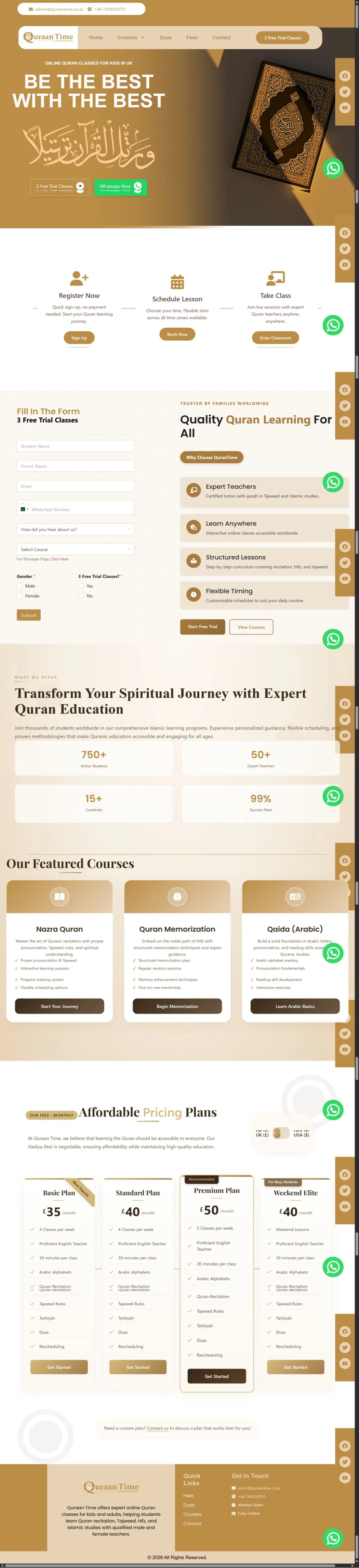
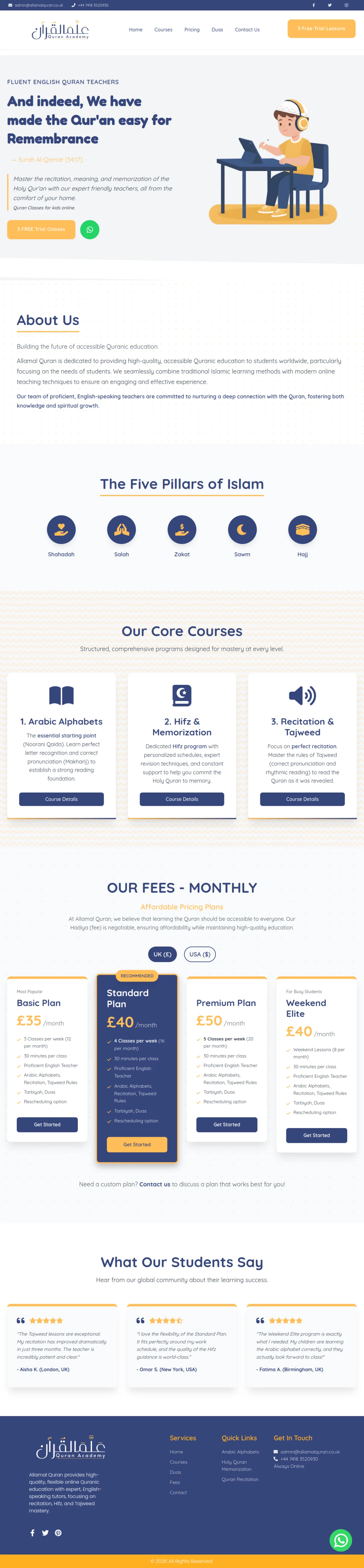
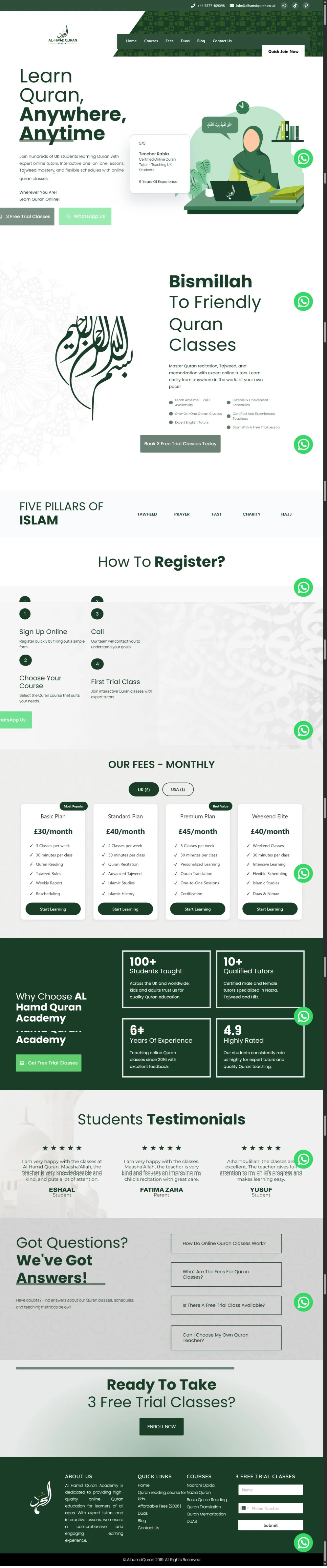
These current homepage examples show the audience and academy workflows we understand. Your website can bring enquiries while the LMS manages what happens after enrolment.


Custom LMS pricing
Choose the right operational starting point.
Prices are starting estimates. Your confirmed quote depends on modules, roles, calculations, reports, migration, integrations, hosting, and support.
From PKR 160,000
For a small academy replacing spreadsheets with structured records.
Included- Admin dashboard
- Student and teacher records
- Weekly schedule
- Basic attendance
- Fee and payment fields
- Deployment and handover
From PKR 320,000
For an active academy needing admin and teacher workflows.
Everything in Starter, plus- Teacher portal
- Daily lessons and progress
- Student history and reports
- Invoices and payment status
- Resources and announcements
- Support ticket workflow
From PKR 575,000
For academies requiring finance, payroll, and deeper control.
Everything in Academy, plus- Teacher payroll and payslips
- Adjustments and rate history
- Expenses and profit analysis
- Invoice audit and reporting
- CSV import and export
- Backups and audit logs
From PKR 20,000/mo
For ongoing technical care after the portal is launched.
Support can include- Bug and layout fixes
- Small workflow updates
- Hosting and database checks
- Backup and import help
- Schedule and invoice checks
- Monthly improvement notes
Learn before you decide
Practical guides for academy owners.
These articles explain setup, platform choices, and user roles in more detail.
Academy setup
How to Start an Online Quran Academy
Plan teachers, classes, website, LMS, pricing, and growth.
Read guide →Platform choiceCustom LMS vs SaaS LMS
Understand when each approach makes practical sense.
Read guide →User rolesAdmin, Teacher, and Student LMS Roles
See what each dashboard should help its user accomplish.
Read guide →Common questions
What academy owners ask before development.
What is a Quran academy LMS portal?
It is a custom online management system for students, teachers, schedules, attendance, invoices, teacher payroll, reports, resources, support tickets, and academy administration.
Is a custom LMS better than SaaS software?
Not always. SaaS is often suitable for a simple, standard setup. Custom development becomes useful when your academy needs its own roles, scheduling rules, reports, finance logic, imports, branding, or future modules.
Can the LMS include teacher and student portals?
Yes. Teachers can manage lessons, attendance, progress, reports, resources, requests, and salary records. Students can access schedules, attendance, reports, invoices, resources, and support depending on scope.
Can the portal connect with our academy website?
Yes. The public website can handle course information, trial-class enquiries, parent trust, and admissions, while approved users sign into the private LMS for daily operations.
Can we start small and add modules later?
Yes. The system can begin with students, teachers, schedules, and attendance, then expand into invoices, payroll, reports, support, parent access, or integrations.
What information is needed before development?
We need your current workflow, user roles, student and teacher fields, fee structure, attendance statuses, schedule rules, salary method, invoice examples, required reports, and existing data format.
Plan the right LMS
Show us how your academy works today.
We will map the portal around your classes, people, payments, reports, and growth plans.